




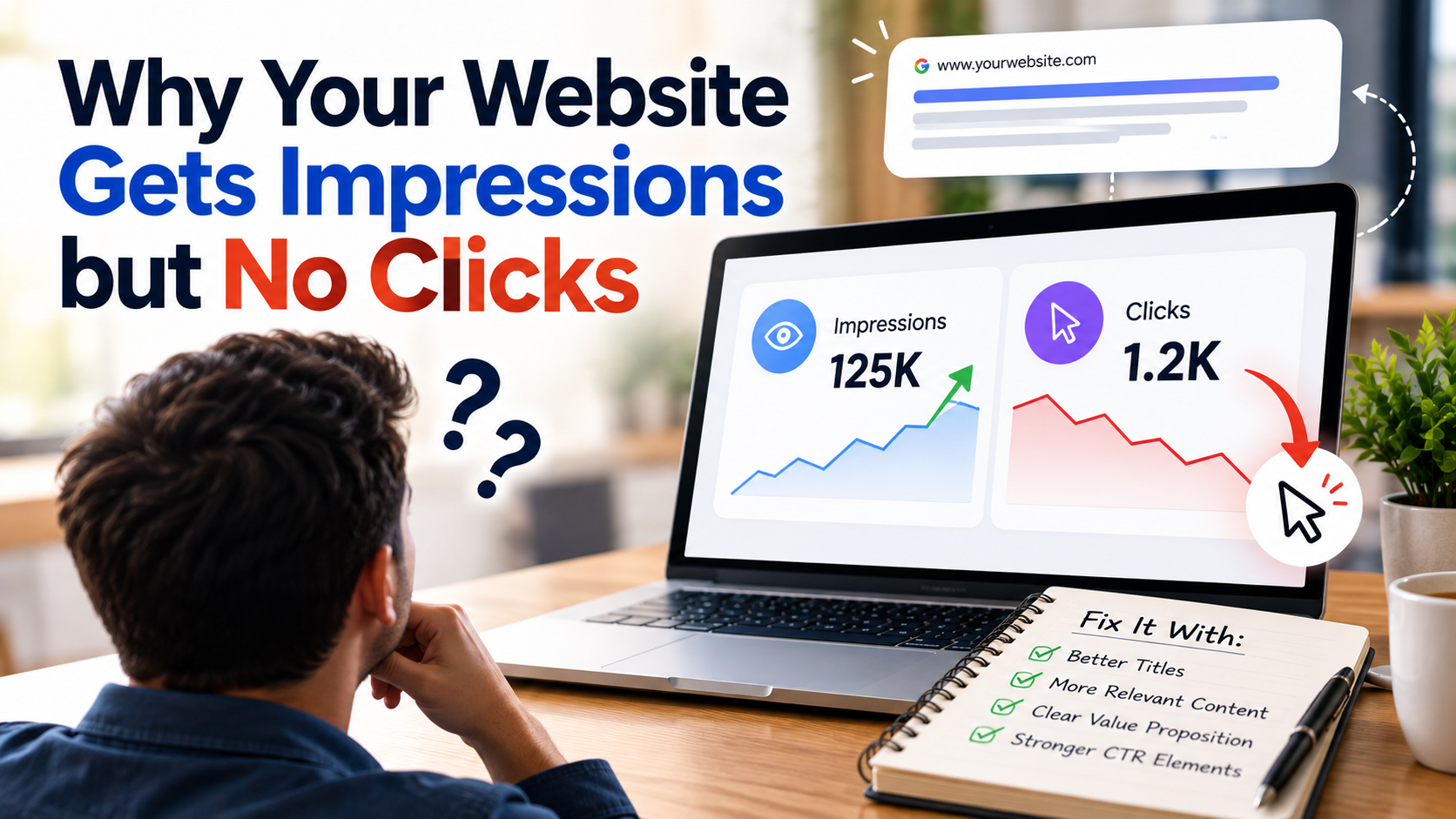
Seeing your website appear in Google search results can feel like progress. Your pages are getting impressions, which means they are being shown to people searching for related information. However, if those impressions are not turning into clicks, it can be frustrating to understand what is going wrong.
A website can receive hundreds or even thousands of impressions without attracting many visitors. This does not necessarily mean your SEO strategy is failing. It may indicate that your pages need better titles, more relevant content, stronger search visibility, or a clearer connection with what users want to find.
Understanding why people see your website but choose another result is the first step toward improving your organic traffic.
1. Your Meta Titles and Descriptions Are Not Compelling
Your page title and meta description help users understand what your page offers before they click. If the title is too general or the description does not communicate a clear benefit, searchers may choose a competitor instead.
For example, a title such as "Our Digital Marketing Services" does not explain what makes the page useful. A more specific title, such as "Digital Marketing Services to Generate More Business Leads," communicates a clearer benefit.
To improve your search appearance:
- Write unique, descriptive title tags for important pages.
- Include the primary keyword naturally.
- Explain the value users can expect from the page.
- Make meta descriptions relevant to the actual content.
- Avoid exaggerated promises or misleading wording.
Google may generate different title links or snippets based on the search query and page content. Therefore, optimizing your metadata can help, but it does not guarantee that Google will display your exact wording.
2. Your Website Ranks Too Low in Search Results
Your website might be receiving impressions because it appears for relevant searches, but its position may be too low to attract many clicks.
For example, a page ranking near the top of the search results may receive more attention than a page appearing several positions lower. Search features, advertisements, and other results can also influence how often users click organic listings.
Use Google Search Console to review the average position of your pages and queries. Identify pages that receive impressions but have relatively low click-through rates.
If your pages rank lower than expected, review the quality and relevance of your content, internal linking, website structure, and competing pages. Improving rankings can increase visibility, although the impact depends on the query and search results layout.
3. Your Content Does Not Match Search Intent
Search intent refers to what a person wants to accomplish when entering a search query. Even if your page appears for a relevant keyword, users may not click if the page seems unlikely to answer their question.
For example, someone searching for "how to improve website speed" probably wants practical instructions. A service page that only promotes web development may not be the most relevant result for that search.
Similarly, a person searching for "SEO services for small businesses" may be looking for a provider, pricing information, or a comparison of services.
Review the search queries generating impressions for each page. Compare them with the content on your website and examine the types of pages currently ranking for those searches.
Create content that addresses the actual needs behind your target keywords. When the page clearly matches what users are looking for, it has a better chance of earning relevant clicks.
4. Your Competitors Have More Attractive Search Listings
Sometimes your page is relevant and reasonably well-positioned, but competing results offer a more appealing reason to click.
Competitors may use clearer titles, communicate specific benefits, or answer the user's question more directly. Search results may also feature review information, product listings, images, videos, or other elements that influence user behavior.
Search your main target keywords and examine the results appearing alongside your website.
Ask yourself:
- Does my title clearly explain what the page offers?
- Does the competing page address the search query more directly?
- Is my page title too generic compared with other results?
- Can I communicate a useful benefit without making unsupported claims?
Use these observations to improve your search listing while keeping your content accurate and relevant.
5. Your Website Appears for Irrelevant Keywords
High impressions do not always mean your website is reaching the right audience. Sometimes Google displays a page for queries that only partially match its content.
For example, a digital marketing agency might receive impressions for broad informational searches even though its page is designed to attract businesses looking for marketing services.
Open Google Search Console and review the queries associated with each page. Look for unrelated terms, unexpected search topics, or queries that do not align with the page's purpose.
If a page attracts impressions for irrelevant searches, clarify its subject, headings, page title, and content. Make sure the page communicates its primary purpose naturally rather than inserting keywords simply to attract more impressions.
The objective is not just to increase impressions. It is to attract visitors who are genuinely interested in what your business offers.
6. Your Page Has a Low Click-Through Rate
Click-through rate, or CTR, measures the percentage of impressions that result in clicks.
The formula is:
CTR = (Total Clicks ÷ Total Impressions) × 100
For example, if a page receives 1,000 impressions and 30 clicks, its CTR is 3%.
However, a low CTR does not automatically mean something is wrong. Expected CTR varies by search position, keyword type, brand recognition, device, and the features displayed in search results.
Use Google Search Console to compare CTR across queries, pages, devices, and positions. Prioritize pages with meaningful impressions and clear opportunities for improvement rather than relying on one universal CTR benchmark.
Test better titles and descriptions, monitor performance, and allow enough time to evaluate the results.
7. Your SEO Strategy Needs Regular Monitoring
Improving organic clicks requires ongoing analysis rather than a one-time metadata update. Search behavior changes, competitors update their content, and Google adjusts how it displays search results.
Review your Google Search Console performance regularly. Identify pages with rising impressions but stagnant clicks, investigate the queries responsible, and determine whether the issue relates to rankings, search intent, or the search listing itself.
Also check that important pages are indexed correctly, load properly, work well on mobile devices, and provide useful content after visitors arrive.
Make changes based on actual performance data instead of guessing which SEO improvements will work.
Turn More Search Impressions Into Valuable Website Traffic
Getting impressions without clicks is a common SEO challenge, but it can reveal useful opportunities to improve your website. By reviewing title tags, search rankings, user intent, competing results, and Google Search Console data, you can identify why people are seeing your pages without visiting them.
At Brandlino, we help businesses improve their online visibility through SEO, digital marketing, website development, and data-driven optimization strategies.
If your website is appearing in Google search results but struggling to attract visitors, visit Brandlino to explore digital marketing solutions that can help improve your search performance and connect your business with the right audience.